
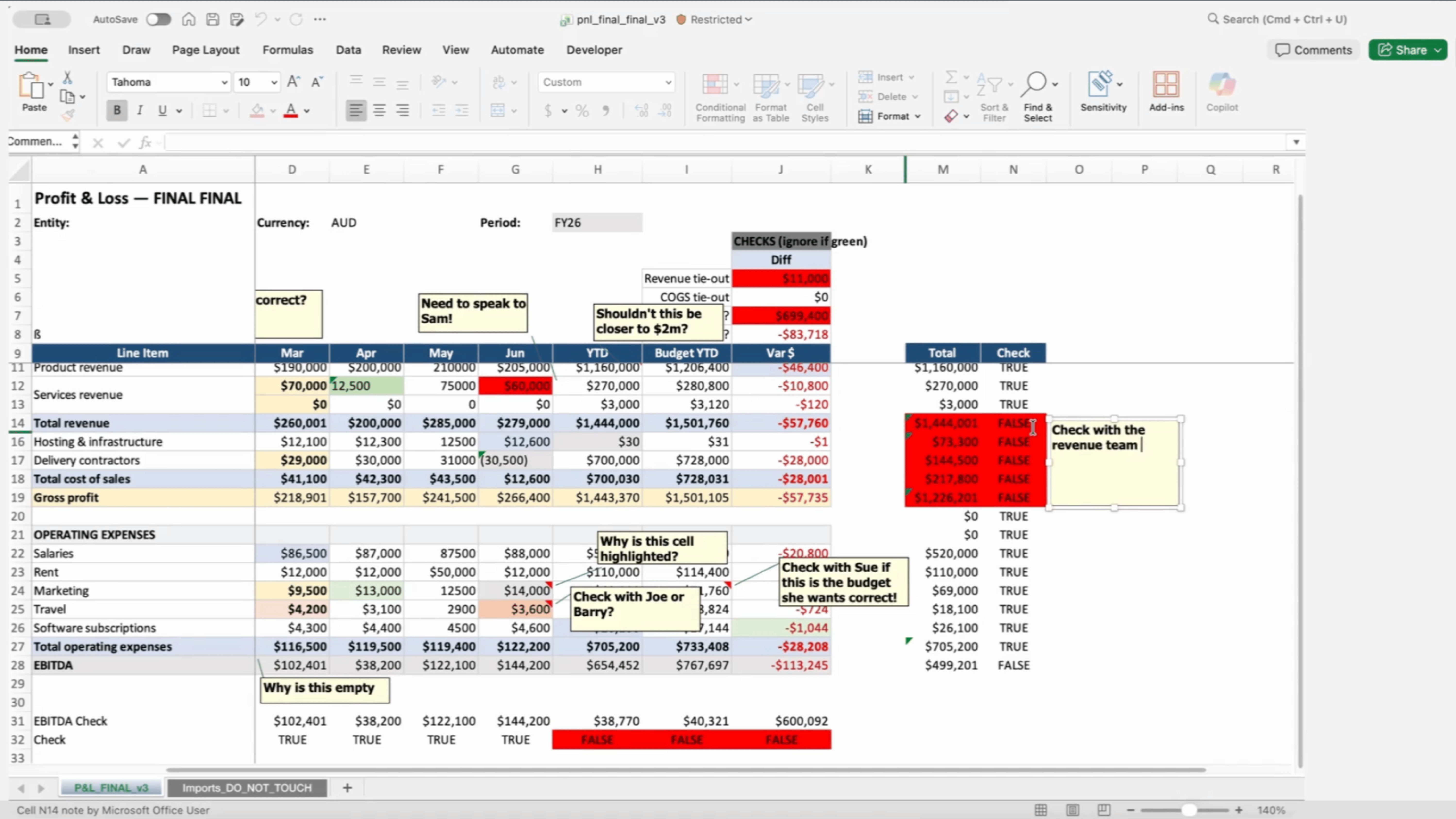
Spreadsheet-based planning can quickly become difficult to manage as financial models grow in size and complexity.
1. Multiple Versions of the Budget Exist
One of the most common issues with spreadsheet-based planning is version control.
Budget files are often sent through email or shared folders, and different departments may work on different copies of the same spreadsheet. As updates are made, it becomes difficult to determine which version contains the latest numbers.
Finance teams frequently spend significant time reconciling versions rather than analyzing results.
2. Consolidating Department Budgets Takes Too Long
In many organizations, each department prepares its budget separately. Finance teams then manually consolidate these spreadsheets into a master model.
This process can be time-consuming and error-prone, particularly when formulas or links between spreadsheets break.
3. Large Financial Models Are Slow
As spreadsheets grow, calculation times increase.
Complex models containing multiple worksheets, lookup formulas and large datasets can become slow to recalculate. This can make scenario analysis difficult and reduce the speed at which finance teams can respond to business questions.
4. Collaboration Is Difficult
Excel was originally designed as a single-user tool.
While cloud-based versions allow some collaboration, managing simultaneous edits across large financial models remains challenging. Teams often avoid working in the same file to prevent accidental changes or conflicts.
5. It Is Difficult to Track Changes
In many spreadsheet models, it can be difficult to identify who changed an assumption or when it was modified.
Without clear audit trails, finance teams may struggle to understand how numbers have evolved during the planning process.
6. Scenario Analysis Is Time-Consuming
Modern organizations often need to evaluate multiple scenarios quickly.
Questions such as:
- What happens if revenue drops by 5 percent?
- How would cost increases affect profitability?
- What is the impact of a new investment?
In spreadsheet models, running these scenarios can require creating multiple copies of a model or manually adjusting assumptions.
7. Too Much Time Is Spent Managing Spreadsheets
Perhaps the clearest sign that a finance team has outgrown Excel is when more time is spent managing spreadsheets than analyzing results.
Instead of focusing on strategic insights, finance teams may spend significant effort fixing formulas, consolidating files and maintaining complex spreadsheet structures.
What This Means for Finance Teams
For many organizations, spreadsheets remain a valuable tool for analysis. However, as planning processes become more complex, relying entirely on spreadsheets can create operational challenges.
Finance teams increasingly need systems that support collaboration, governance and the ability to analyze large datasets quickly.
Recognizing when planning processes have outgrown spreadsheets is often the first step toward modernizing financial planning.
Many organizations begin exploring enterprise planning platforms designed specifically for budgeting, forecasting and scenario modeling.
Learning More About Modern Planning Platforms
Understanding how enterprise planning systems work can help organizations modernize their planning processes and improve collaboration across finance teams.
Cubewise provides training and education programs that help finance professionals develop practical skills in enterprise planning and analytics platforms.
Moving Beyond Spreadsheet-Based Planning
Many organizations facing these challenges begin exploring enterprise planning platforms designed specifically for budgeting, forecasting and scenario modeling.
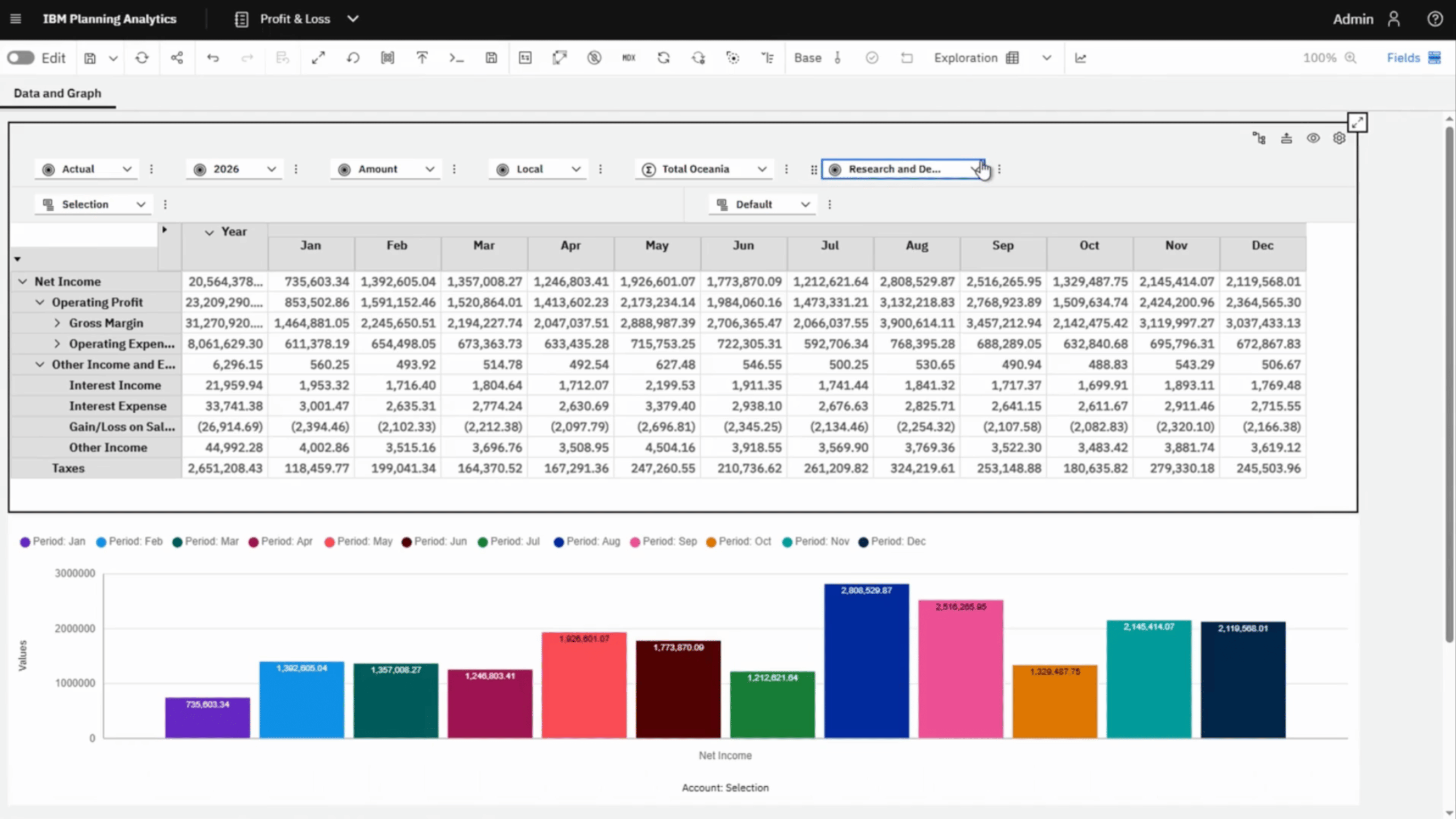
These platforms centralize data, calculations and workflows in a single environment, allowing teams to collaborate on a single version of the plan.
One example is IBM Planning Analytics, which enables organizations to build complex financial models while maintaining performance and governance.